
"Build a YouTube clone" is a classic project idea, but most tutorials stop at a form that saves a file. A real video platform has to handle multi-gigabyte uploads, transcoding into several resolutions, a status lifecycle, and search, without a single server to babysit.
This is the architecture we build end to end in the VidShare course. Here's how every piece fits, and why each AWS service is there.
What the app does
Users can search videos, watch them in the resolution they choose, upload their own with a title, description and tags, and see a list of everything they've uploaded.
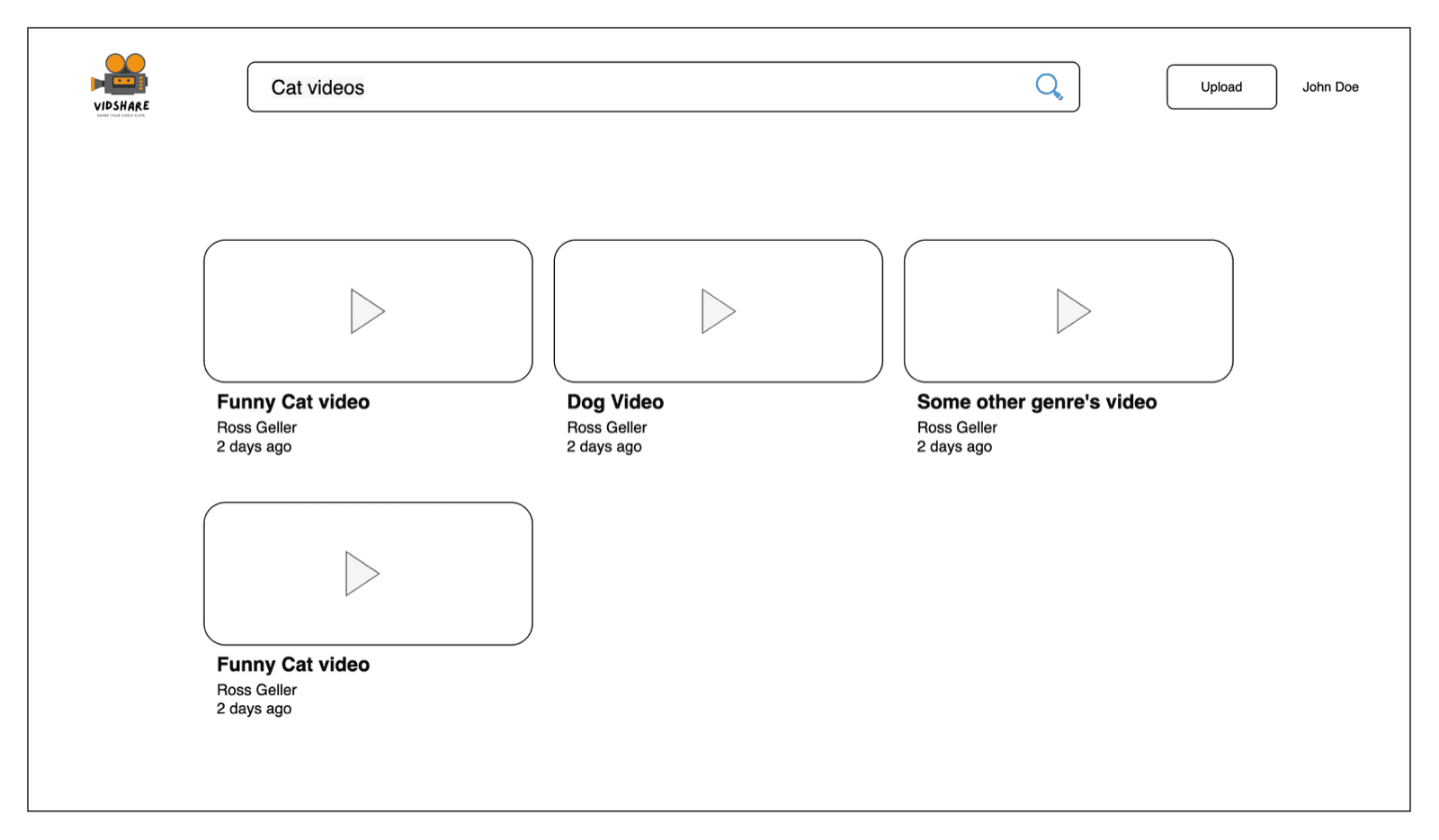
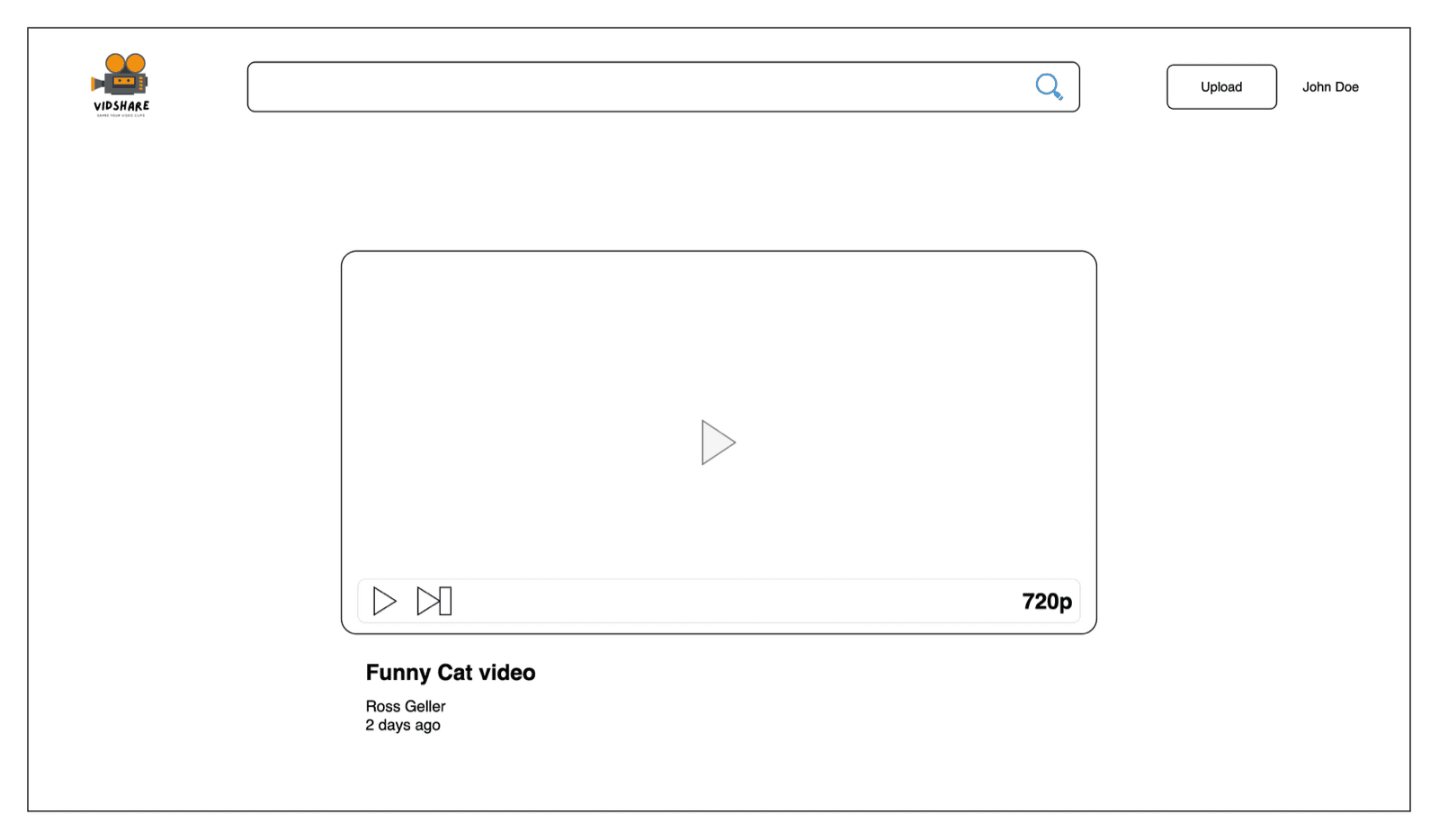
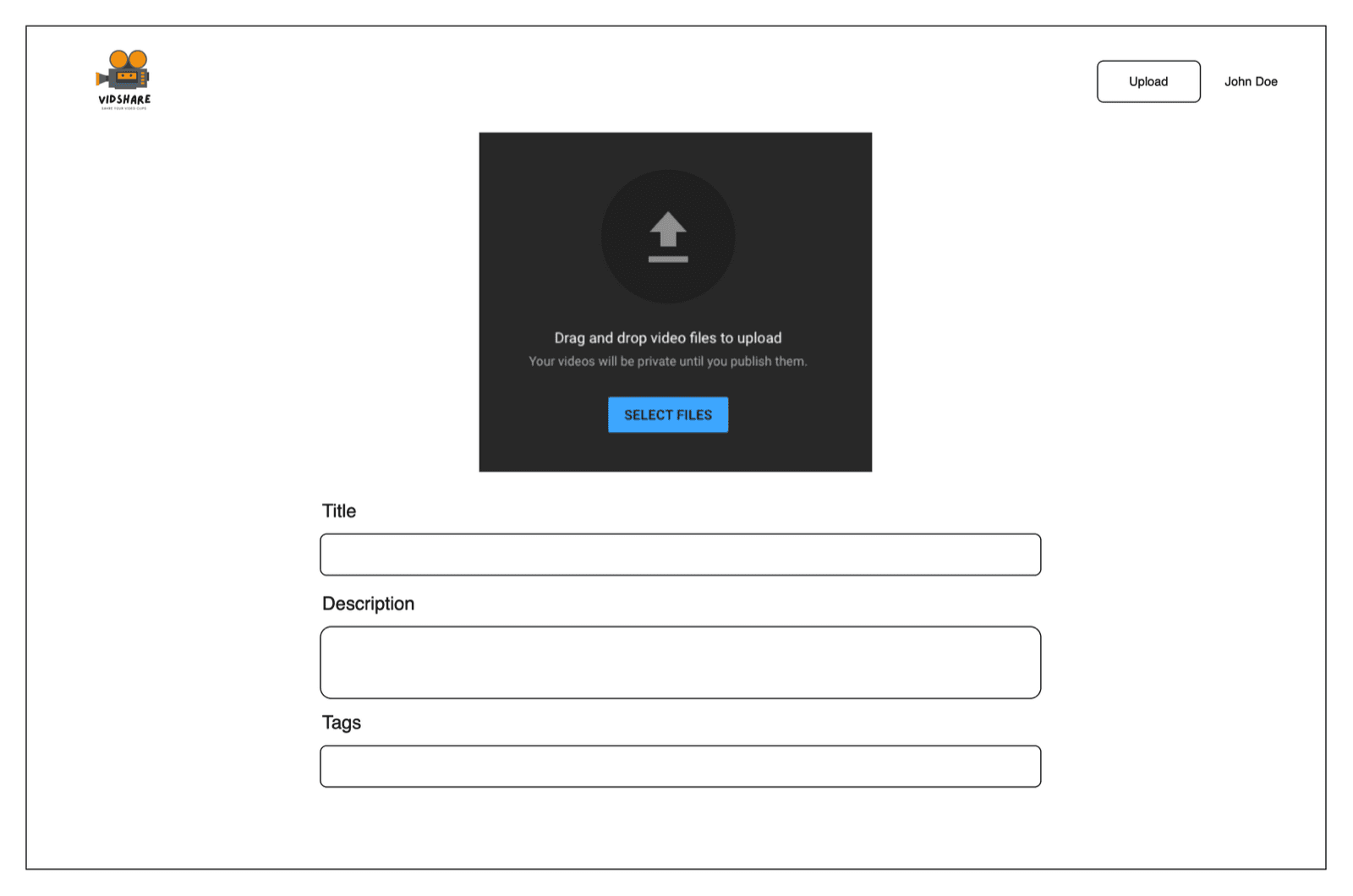
The course focuses on the backend. Every feature is exposed as an API you test with Postman, so you can put any frontend on top.
The architecture at a glance
Architecture
all deployed with AWS CDK
- 1
Request an upload
The client calls API Gateway. A Lambda saves the video record in DynamoDB and returns a presigned S3 URL.
API GatewayLambdaDynamoDB - 2
Upload straight to S3
The browser uploads the file directly to S3. No server in the middle, no size headaches.
S3Presigned URL - 3
Read the metadata
An S3 event triggers a Lambda that reads resolution and duration with MediaInfo.
S3 EventsLambda - 4
Transcode
MediaConvert creates streaming renditions. EventBridge tells a Lambda when the job finishes.
MediaConvertEventBridge - 5
Search and serve
Videos are indexed in OpenSearch for full-text search and listed through the API.
OpenSearchGSI queries
| Service | Job in VidShare |
|---|---|
| API Gateway | The single front door. Hides every backend detail from clients |
| Lambda | All business logic, written in TypeScript and tested with Jest |
| S3 (two buckets) | One for raw uploads, one for the transcoded videos you stream |
| DynamoDB | Video metadata and status |
| MediaConvert | Transcodes each upload into multiple resolutions |
| EventBridge | Tells us when a MediaConvert job finishes or fails |
| OpenSearch | Full-text search on title, description and tags |
| AWS CDK | Defines all of the above as code, deployed with one command |
The API
Two resources cover everything:
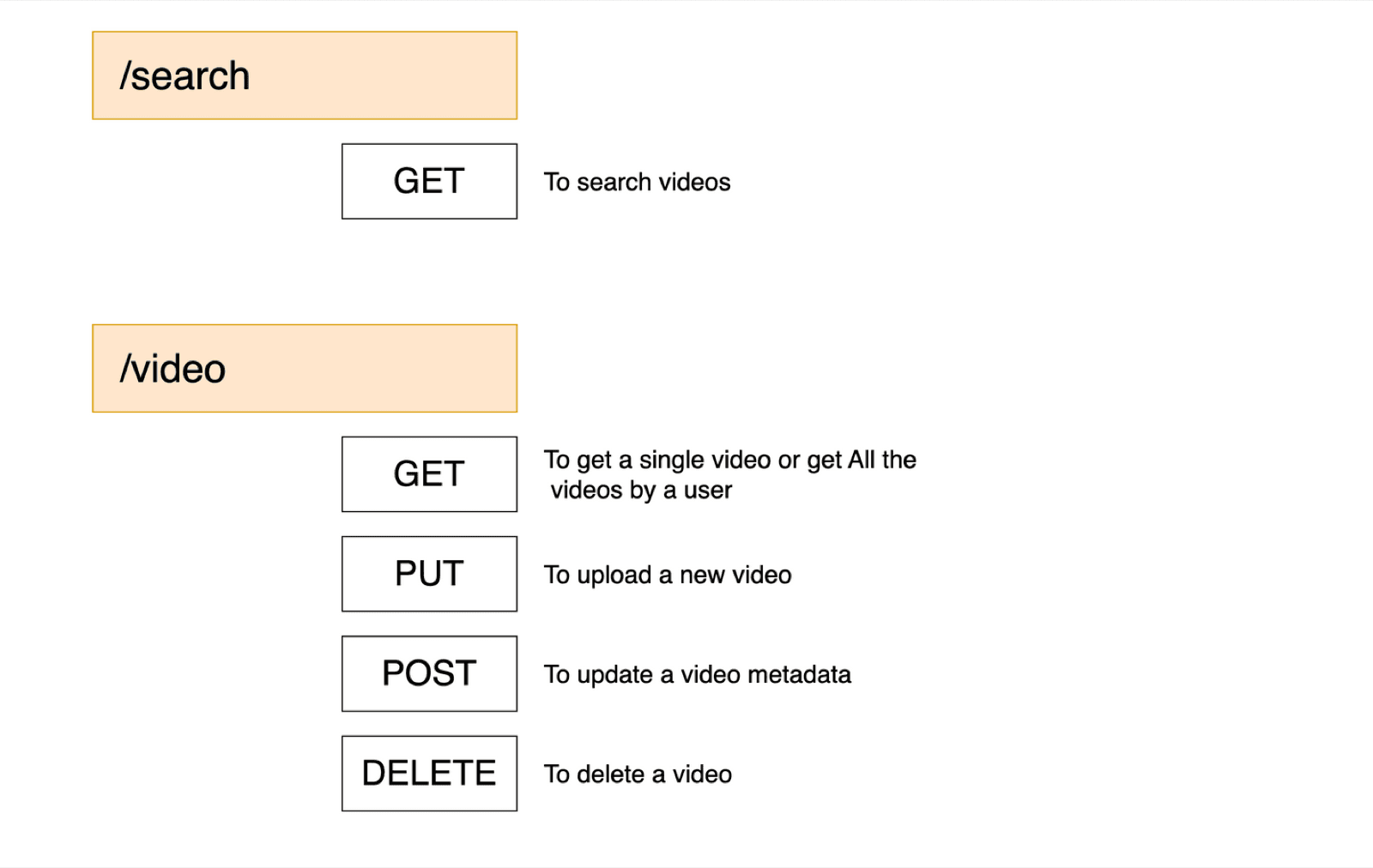
| Endpoint | Purpose |
|---|---|
GET /search?q=... | Search videos by keyword |
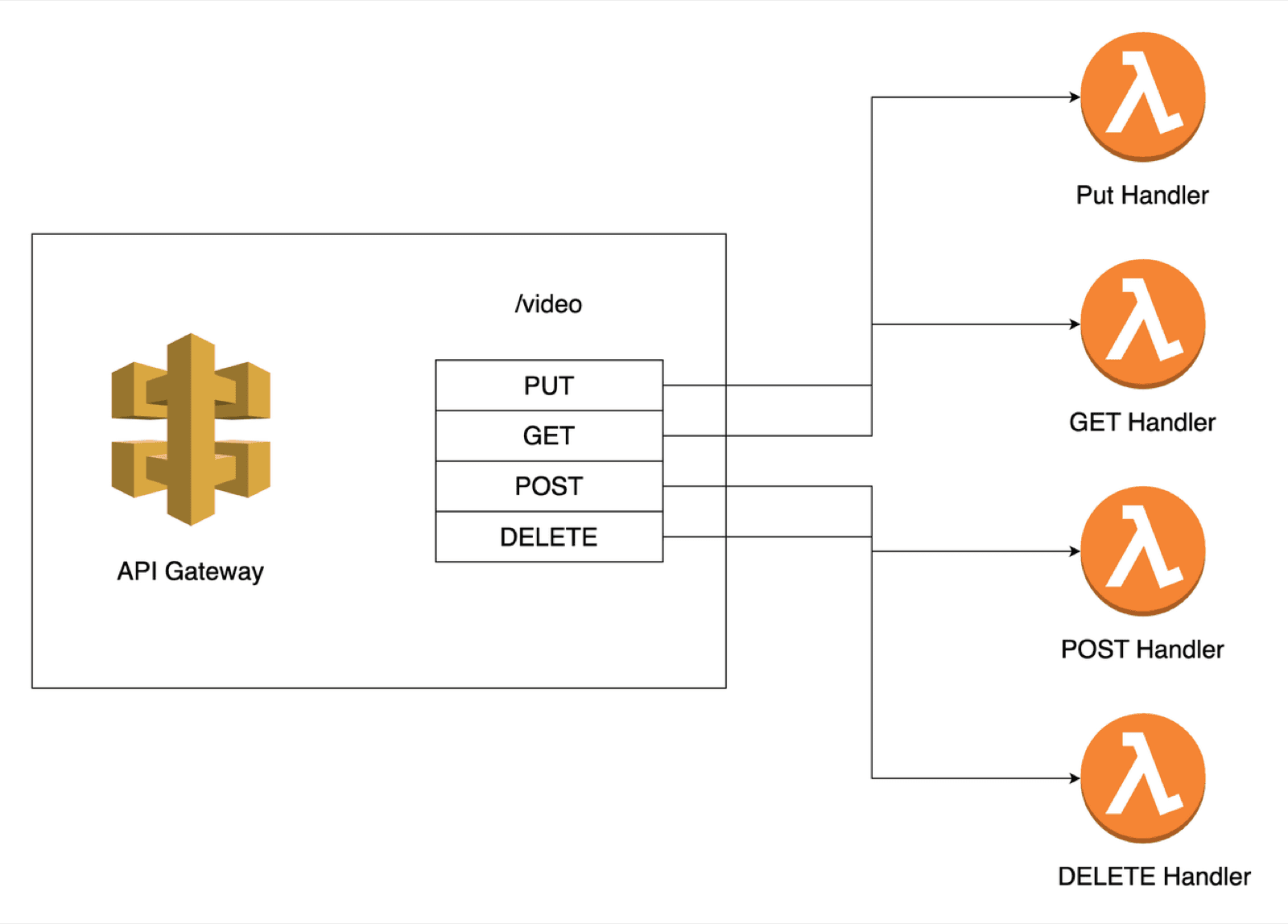
GET /video | One video by ID, or all videos for a user |
PUT /video | Start a new upload (returns an upload URL) |
POST /video | Update a video's metadata |
DELETE /video | Delete a video |
One design question you'll hit: one Lambda per HTTP method, or one Lambda for all of them? The course builds both shapes and explains the trade-offs, then settles on a single CRUD handler that routes by method.
Following one video through the system
1. Upload request → presigned URL
The client calls PUT /video with the title, description and tags. A Lambda saves the record in DynamoDB with status NOT_UPLOADED, then returns an S3 presigned URL.
The browser uploads the file directly to S3 with that URL. Your API never touches the bytes, so there's no 10 MB API Gateway limit and no paying to move video through Lambda. Full walkthrough: S3 presigned URLs in TypeScript.
2. S3 event → metadata
When the object lands, S3 fires an event that triggers a Lambda. It marks the video UPLOADED, creates a short-lived signed download URL, and runs MediaInfo on it to read the real resolution and duration.
3. Transcode with MediaConvert
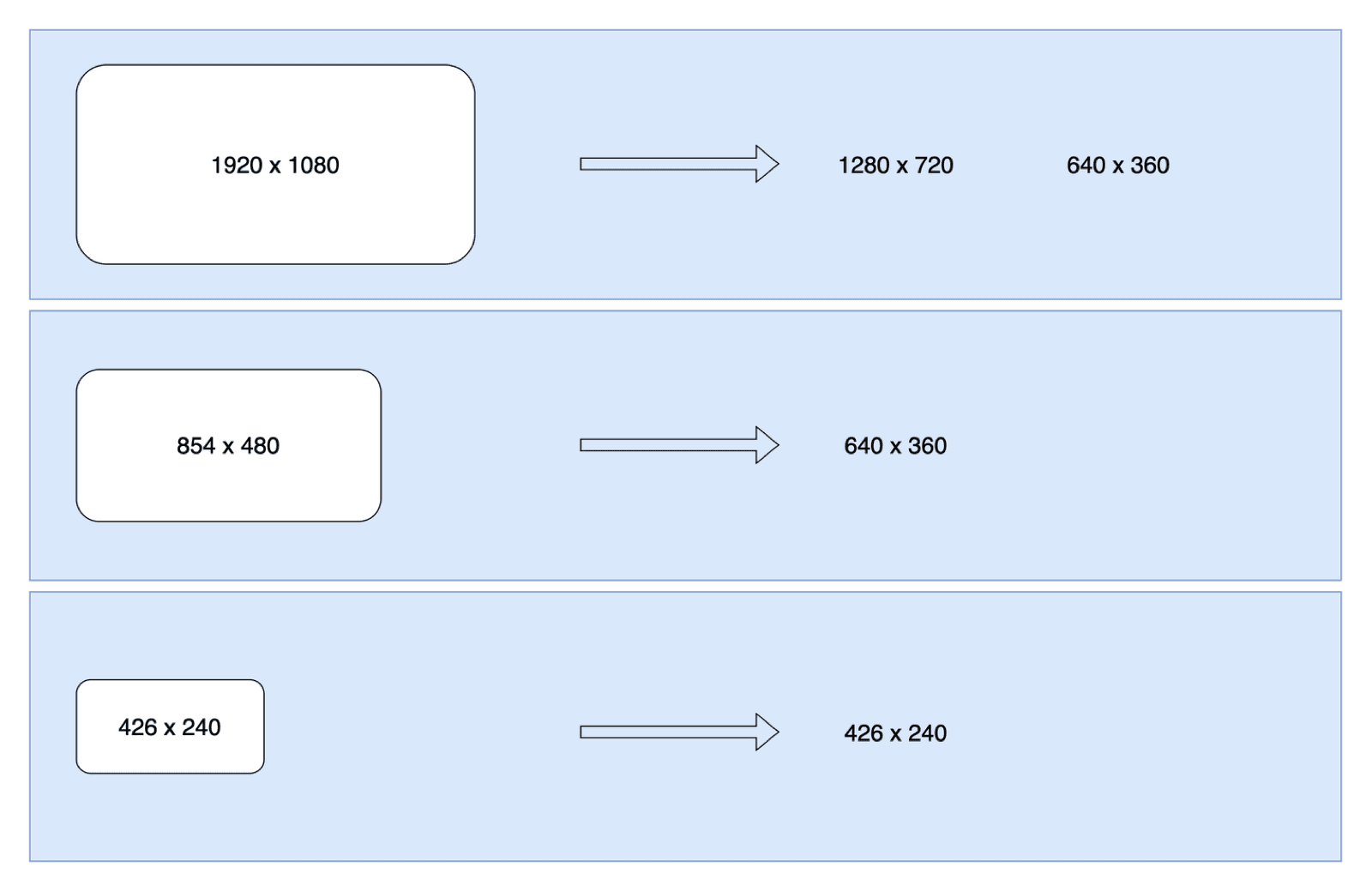
Based on that resolution, the Lambda starts an AWS Elemental MediaConvert job that writes several renditions (for example 720p, 360p and 240p) into the output bucket. You never upscale: a 480p upload doesn't get a 1080p version.
4. EventBridge → ready
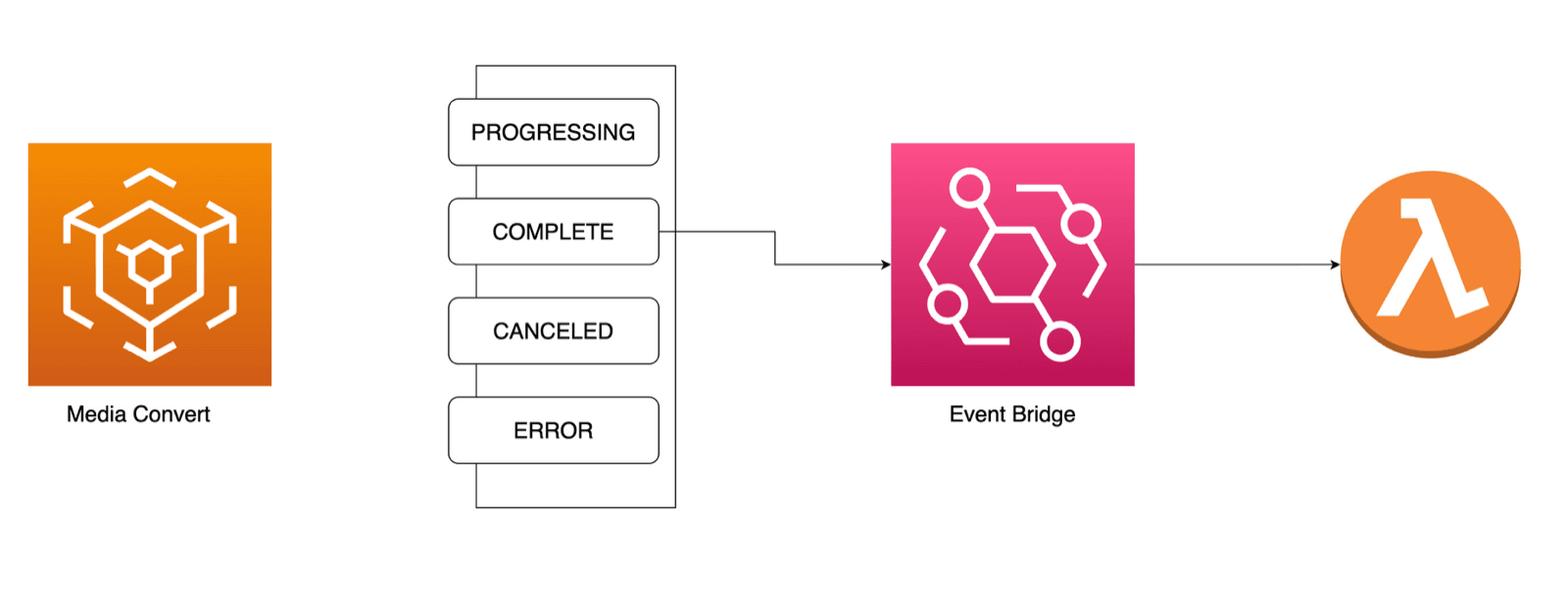
MediaConvert emits job state changes: PROGRESSING, COMPLETE, CANCELED, ERROR. An EventBridge rule forwards them to a Lambda, which sets the status to PROCESSING, then READY (or ERROR), deletes the raw upload, and indexes the finished video for search.
5. Index for search
Ready videos are indexed in OpenSearch, so GET /search?q=funny cat matches words in titles, descriptions and tags. DynamoDB is excellent for lookups by key but isn't a search engine; that's the right split. More on the key design in DynamoDB data modeling explained.
Why serverless for this?
- No servers to scale. Ten uploads or ten thousand, Lambda, S3 and MediaConvert scale by themselves.
- Pay per use. Idle costs almost nothing, which suits side projects and early products.
- Event-driven by design. Each step reacts to the previous one (S3 event, EventBridge rule), so the pieces stay small and testable.
- Everything is code. With CDK, the whole stack is a TypeScript file in git. Recreate it in another region with one command.
Key takeaways
- ✓API Gateway is the only door; Lambdas hold the logic.
- ✓Uploads go straight to S3 with presigned URLs, never through your API.
- ✓S3 events and EventBridge chain the pipeline with no polling.
- ✓DynamoDB stores metadata by key; OpenSearch handles full-text search.
- ✓CDK keeps the entire architecture in code.
Build it yourself
This is a portfolio project that interviewers actually ask about. VidShare walks you through all of it in 109 lessons, with tests and infrastructure as code, from an empty folder to a final end-to-end test. Watch the 5-minute course walkthrough or the free architecture lesson first.