
When users upload a video, the first instinct is to POST the file to your API and let the server push it to S3. That works for a profile picture. It falls apart for a 2 GB video: API Gateway caps request payloads at 10 MB, Lambda has its own limits, and you pay to move every byte twice.
The fix is a presigned URL. Your backend signs a short-lived URL that allows exactly one action on one object, and the browser uploads directly to S3. Your API never touches the bytes. It's how uploads work in the VidShare video platform.
First, three things about S3
S3 (Simple Storage Service, three S's) stores files in buckets.
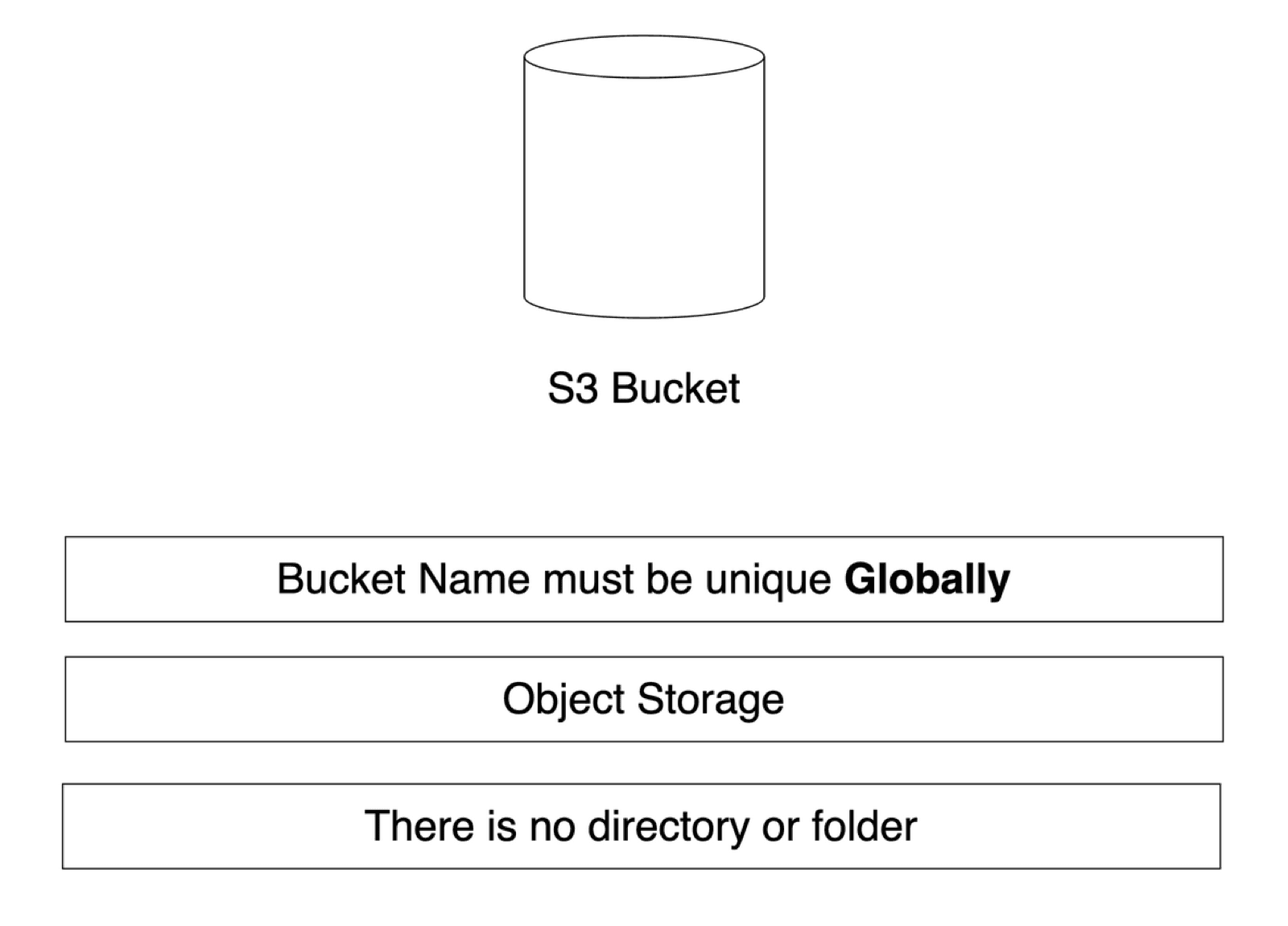
- Bucket names are globally unique. Like a domain name: across every AWS account and region, only one bucket can be called
vidshare-upload. - It's object storage. A JPEG, a TXT and an MP4 are all just binary objects to S3.
- There are no real folders. The console shows a
petfolder, but that's only a name prefix: the object key is literallypet/cat.png.
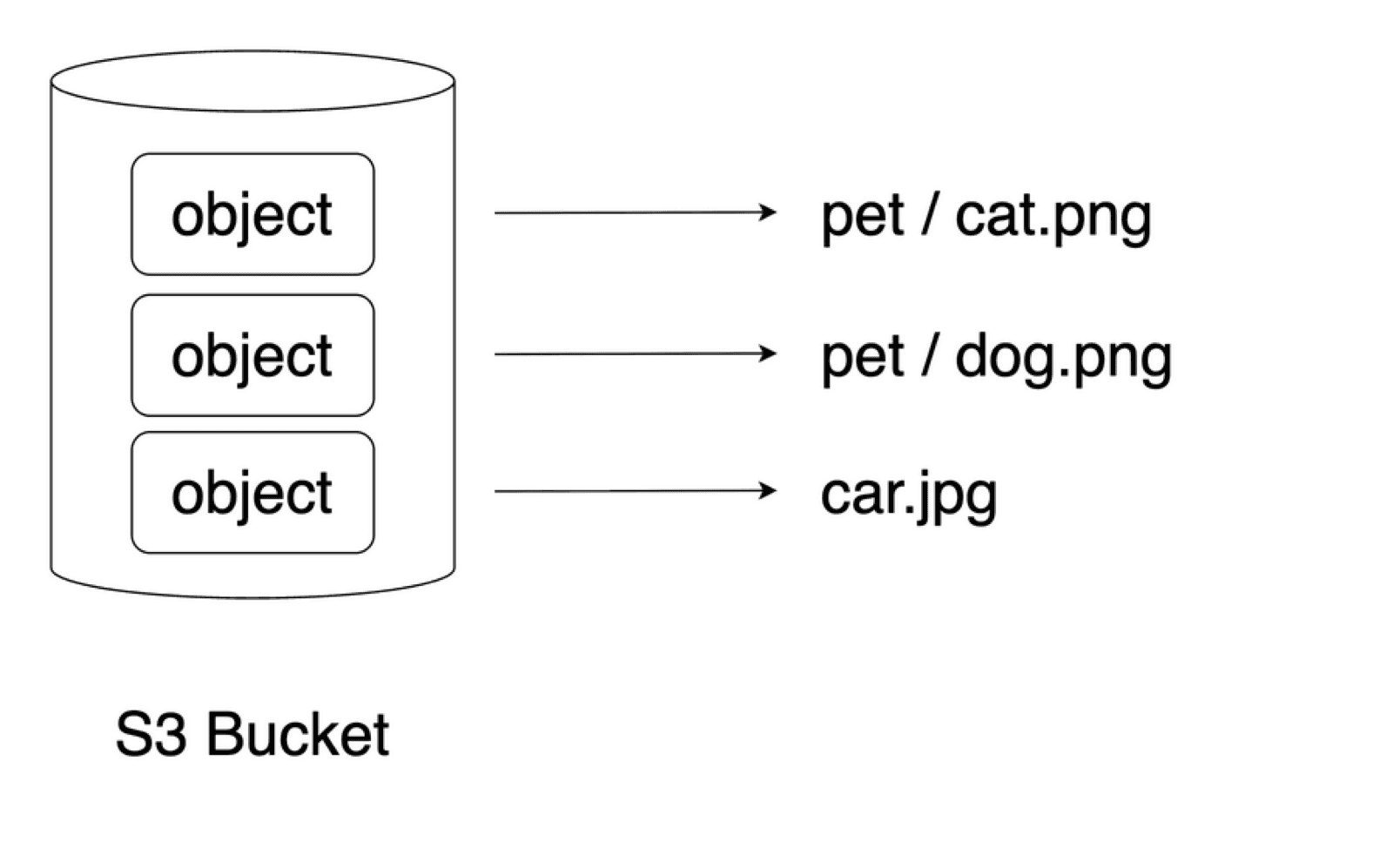
Every object has an S3 URI (s3://bucket/key, used by AWS services) and an object URL (https://bucket.s3.amazonaws.com/key). Open the object URL of a private bucket and you get AccessDenied. That's where presigned URLs come in.
What a presigned URL is
In the S3 console you can pick any object and choose Share with a presigned URL, valid for, say, 10 minutes. The URL is the normal object URL plus a signature and an expiry in the query string. Anyone with it can download that one object until it expires, even though the bucket stays private.
The same works for uploads: sign a PutObject and a client can upload one specific key, once, within the time window. Here's the flow:
1
Client asks your API
"I want to upload a video"
2
Lambda signs a URL
PutObject, one key, 10 min
3
Browser PUTs the file
straight to S3
4
S3 event fires
processing starts
Generate the URL with AWS SDK v3
Install the client and the presigner:
npm install @aws-sdk/client-s3 @aws-sdk/s3-request-presignerThis is the handler from the course, exactly as built in the lesson:
import { PutObjectCommand, S3Client } from "@aws-sdk/client-s3";
import { getSignedUrl } from "@aws-sdk/s3-request-presigner";

export const handler = async ({ bucketRegion, bucketName, key }: {
  bucketName: string;
  key: string;
  bucketRegion: string;
}) => {
  const client = new S3Client({ region: bucketRegion });

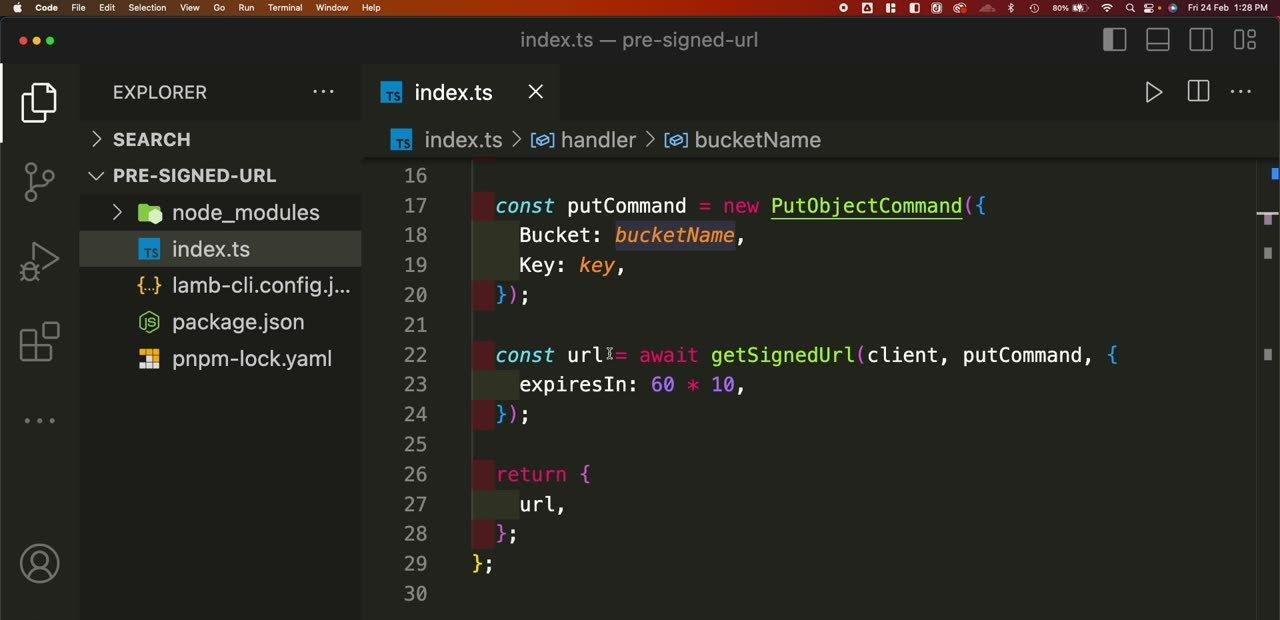
  const putCommand = new PutObjectCommand({
    Bucket: bucketName,
    Key: key,
  });

  const url = await getSignedUrl(client, putCommand, {
    expiresIn: 60 * 10, // seconds: valid for 10 minutes
  });

  return { url };
};
getSignedUrl works with any command. Pass a GetObjectCommand instead and you get a download link.
The 403 everyone hits
Call the Lambda, copy the URL, PUT a file to it from Postman... and get 403 AccessDenied.
Here's why: signing happens offline. The SDK will happily sign a URL with credentials that aren't allowed to do the thing. The URL only carries the permissions of whoever signed it. If the Lambda's role can't PutObject, neither can the URL.
Add an inline policy to the Lambda's execution role:
{
  "Version": "2012-10-17",
  "Statement": [
    {
      "Effect": "Allow",
      "Action": "s3:PutObject",
      "Resource": "arn:aws:s3:::vidshare-upload-bucket/*"
    }
  ]
}Generate a fresh URL, send the PUT again: 200 OK, and the file appears in the bucket.
Upload from the browser
No SDK needed on the client, just a PUT:
async function upload(file: File) {
  const res = await fetch("/api/videos", { method: "PUT" });
  const { url } = await res.json();

  const put = await fetch(url, { method: "PUT", body: file });
  if (!put.ok) throw new Error(`Upload failed: ${put.status}`);
}
From a browser (unlike Postman), the bucket also needs a CORS rule that allows PUT from your site:
[
  {
    "AllowedOrigins": ["https://your-site.com"],
    "AllowedMethods": ["PUT"],
    "AllowedHeaders": ["*"]
  }
]
Production checklist
- Generate the key on the server (
uploads/<videoId>.mp4). Never let the client choose it, or users can overwrite each other's files. - Keep
expiresInshort. It only has to last until the upload starts. - Create the S3 client outside the handler so Lambda reuses it across invocations.
- React to the upload with an S3 event, not a client callback. The client might never call back.
Common errors
| Error | Usual cause |
|---|---|
403 AccessDenied | The signing role lacks s3:PutObject on bucket/* |
403 SignatureDoesNotMatch | The request differs from what was signed: a Content-Type you signed but didn't send, or a different region |
403 Request has expired | The URL's expiresIn passed |
| CORS error in the browser console | No CORS rule for your origin and the PUT method |
Key takeaways
- ✓Bucket names are global, objects are just bytes, and folders are key prefixes.
- ✓A presigned URL grants one action on one key for a limited time.
- ✓The URL only has the permissions of the role that signed it: give it s3:PutObject on bucket/*.
- ✓Browsers also need a CORS rule on the bucket.
Build the full upload pipeline
Presigned uploads are step one of VidShare, a 109-lesson course where you build a complete serverless video platform on AWS: upload, S3 events, MediaInfo metadata, MediaConvert transcoding, EventBridge, DynamoDB and OpenSearch, all in TypeScript with tests and CDK. This exact lesson is free to watch.