
Here's the loop most people use to develop Lambdas: change a line, build, deploy to AWS, open Postman, send a request, read CloudWatch logs, repeat. Every check costs a minute or more, so you test less, so bugs get through.
The alternative is to test the handler locally, in milliseconds, and write those tests first. This is how we build every Lambda in the VidShare course.
The TDD loop
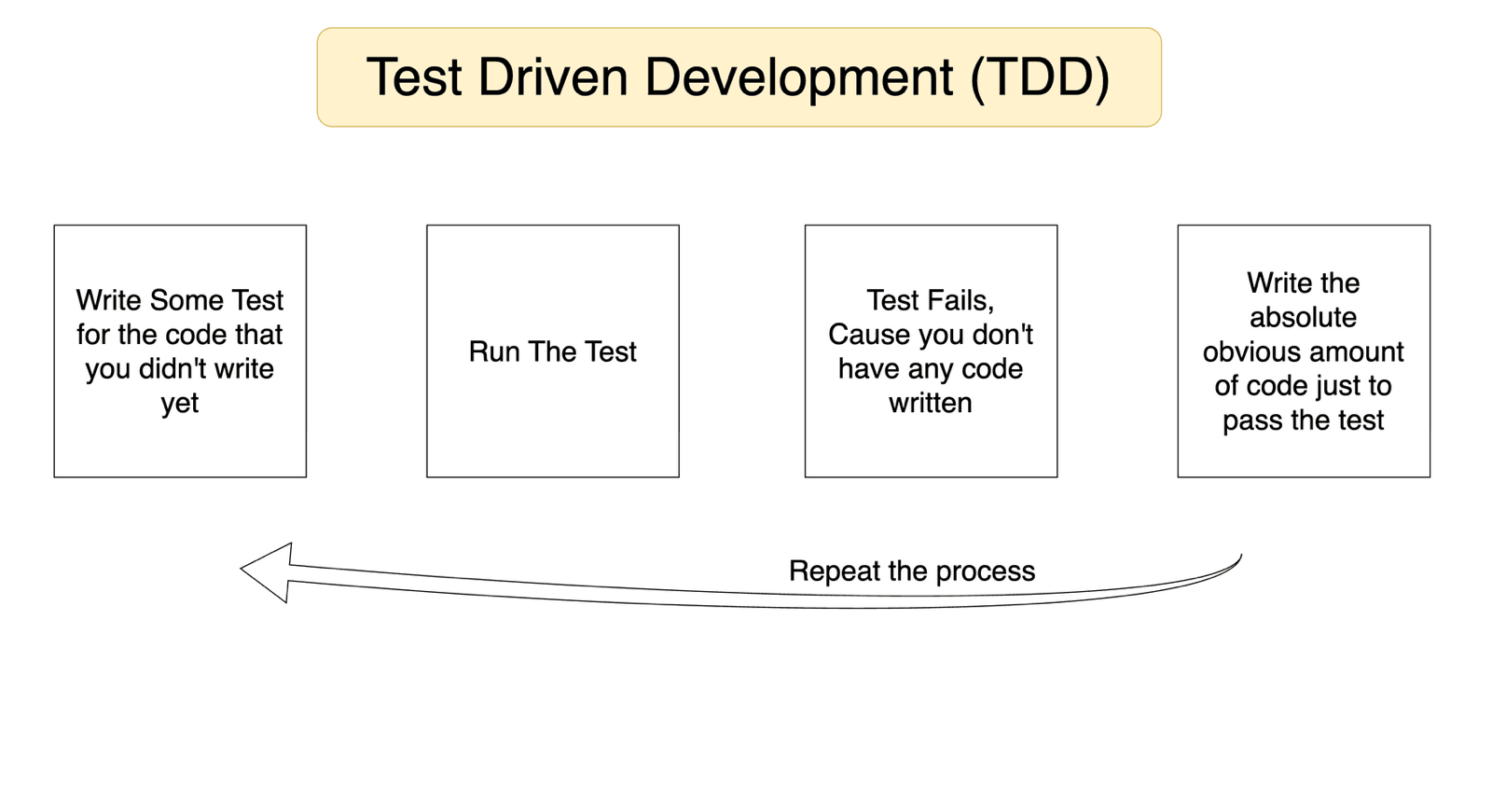
- Write a test for code that doesn't exist yet.
- Run it. It fails (of course it does).
- Write the absolute minimum code that makes it pass.
- Repeat with the next test.
Step 3 feels silly the first time. For an add function, the first test "returns null when nothing is passed" is satisfied by return null. The second, "add(1, 2) is 3", by... return 3. Only the third test (add(2, 4) is 6) forces the real a + b.
The point isn't the silly intermediate code. The point is that every behaviour ends up covered by a test, so later you can refactor without fear.
Start with a to-do list
Before any test, write down what the function must do. Put the main purpose last, and handle edge cases and validation first. Here's the real to-do at the top of the VidShare upload handler's test file:
/**
 * TODO for put handler
 *
 * Should validate the body properly
 * Body should contain:
 *      userId <string>
 *      title <string>
 *      description? <string>
 *      tags? <string[]>
 * If a valid body is passed, save the data in the database
 * Create pre-signed url
 * Send that url to the client
 */
The problem: your handler talks to a database
"If a valid body is passed, save the data in the database." How do you test that? Two options:
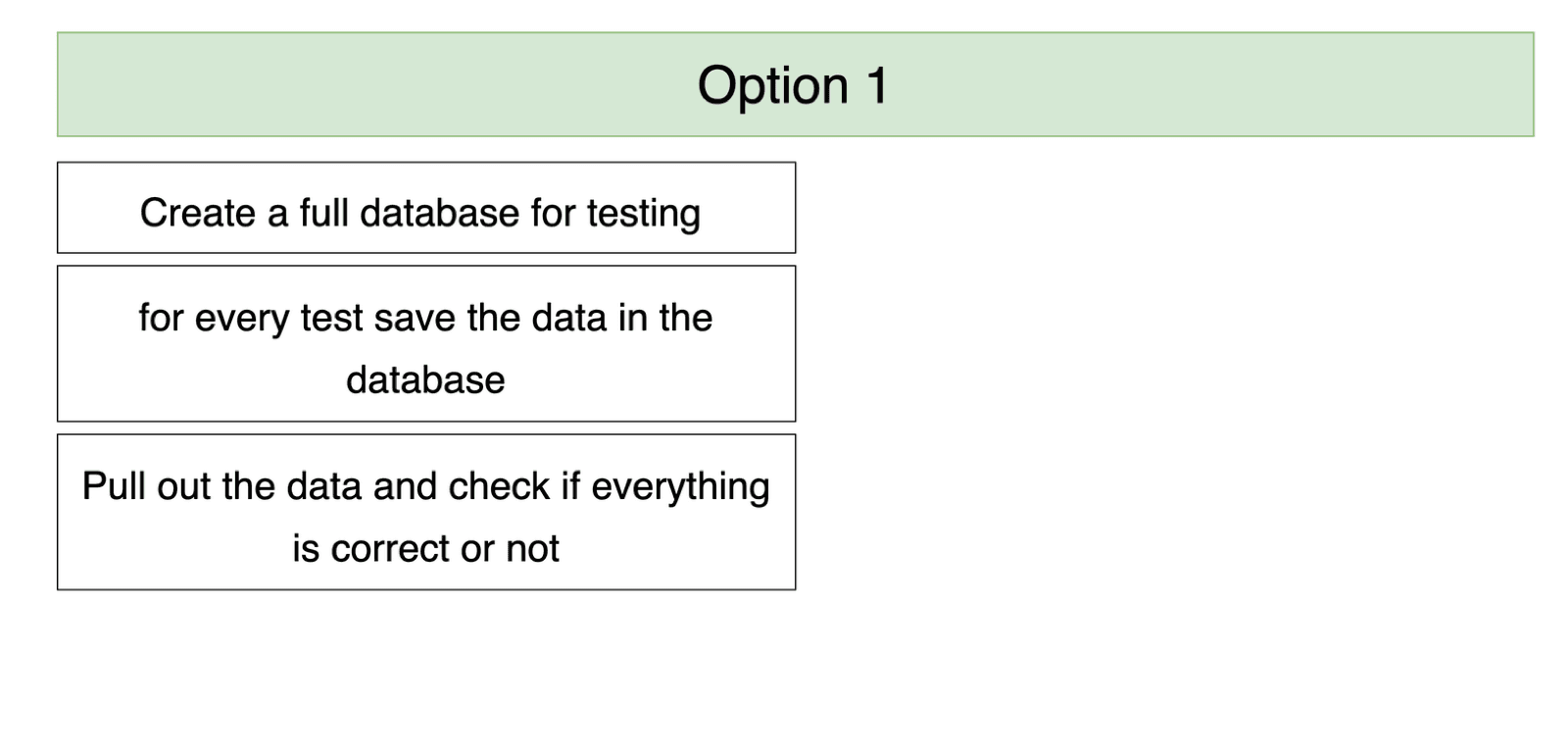
- A real test database: slow, needs a network or a local setup, and turns a unit test into an integration test.
- Mock the database call: swap the real
savefor a fake one during the test, then spy on it to check how the handler called it.
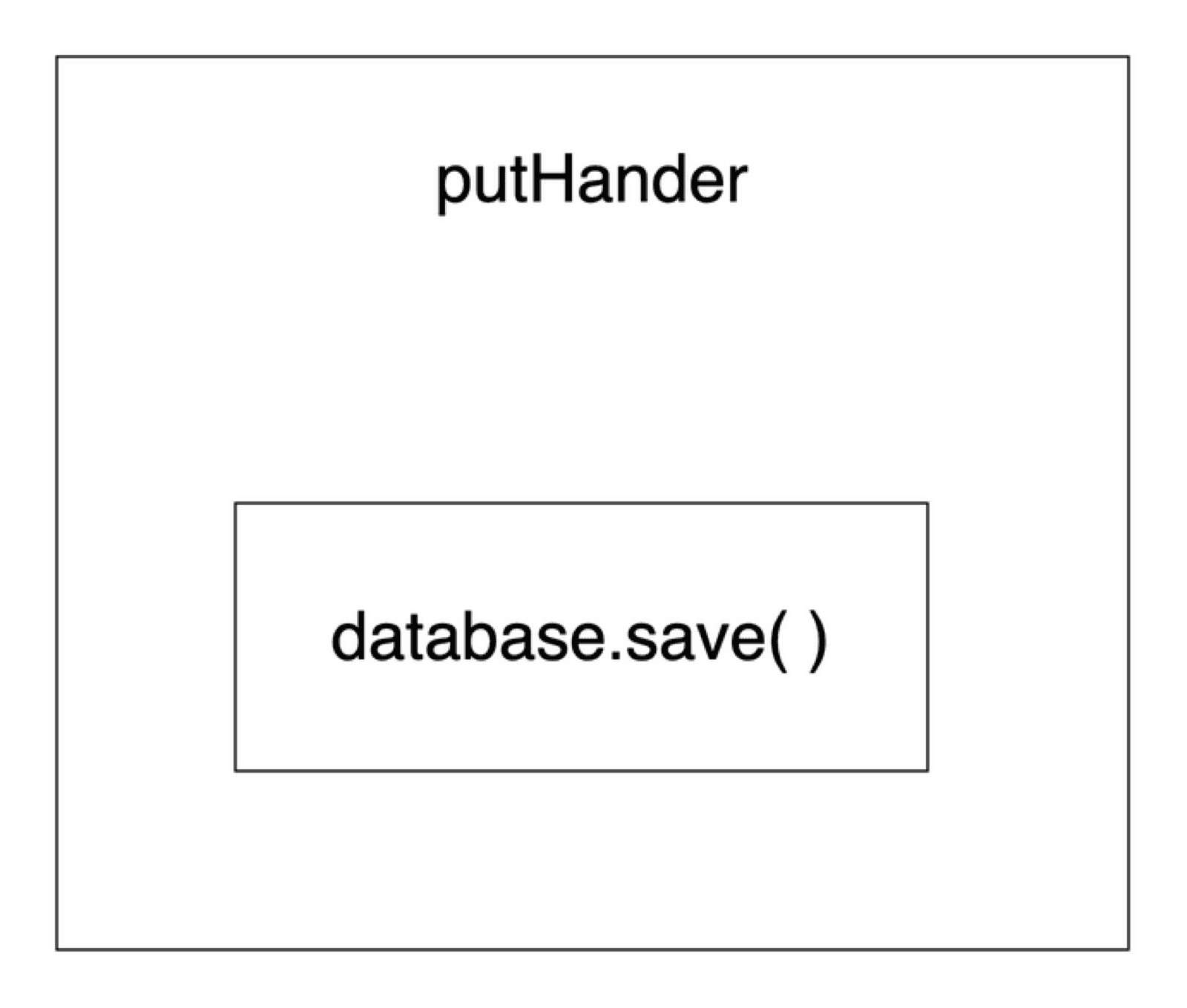
Step 1: hide the database behind a class
Don't call the AWS SDK directly inside the handler. Wrap it:
// lib/db.ts
export class DB<T> {
  async save(doc: T) { /* DynamoDB PutCommand here */ }
  async get(id: string) { /* GetCommand here */ }
}
The handler now calls db.save(...) and doesn't care whether it's DynamoDB or MongoDB. That abstraction is also what makes it easy to mock.
Step 2: spy on the prototype and mock it
jest.spyOn needs an object and a method name. DB is a class, and in JavaScript a class's methods live on its prototype object. So you spy on DB.prototype:
import { DB } from "../../lib/db";
import { S3 } from "../../lib/s3";
import { handler } from "../videoCrudHandler";

const spySave = jest.spyOn(DB.prototype, "save");
const spyGetUploadUrl = jest.spyOn(S3.prototype, "getUploadUrl");

beforeEach(() => {
  jest.resetAllMocks();
  spySave.mockImplementation((() => {}) as any);               // no real DB call
  spyGetUploadUrl.mockImplementation((() => "url") as any);     // fake presigned URL
});
mockImplementation swaps in a fake body, so nothing touches AWS. Resetting in beforeEach keeps one test's mocks from leaking into the next.
Step 3: write the tests, then the code
These come straight from the course's test file:
test("Should return a 400 statusCode if empty object is passed", async () => {
  const res = await callHandler({ httpMethod: "PUT", body: {} });
  expect(res.statusCode).toBe(400);
});

test("Should call db save function if proper body is passed", async () => {
  await callHandler({
    httpMethod: "PUT",
    body: { userId: "user-123", title: "Cat Video" },
  });
  expect(spySave).toBeCalled();
});
A spy also records arguments. spySave.mock.calls[0][0] is the first argument of the first call, so you can assert the handler saved the right user:
expect(spySave.mock.calls[0][0].userId).toBe("user-123");Step 4: refactor safely, with Zod
With tests in place, replace hand-written if (!body.title || !body.userId) checks with a Zod schema:
import { z } from "zod";

const bodySchema = z.object({
  userId: z.string(),
  title: z.string(),
  description: z.string().optional(),
  tags: z.array(z.string()).optional(),
});

try {
  const input = bodySchema.parse(JSON.parse(event.body ?? "{}"));
  await db.save({ ...input, id: crypto.randomUUID(), uploadedTime: Date.now(), status: "NOT_UPLOADED" });
} catch {
  return { statusCode: 400, body: JSON.stringify({ message: "Validation failed" }) };
}
Run the tests. Still green, so the refactor is safe. That's the payoff.
When not to mock
Mock the database in handler tests. But the DB class itself needs at least one real test, or you're only testing your fakes. In the course, the database class gets its own tests that really write to DynamoDB, while every handler test stays fast and offline.
Key takeaways
- ✓TDD loop: failing test, minimum code to pass, repeat.
- ✓Write a to-do list first; put the main purpose last.
- ✓Wrap AWS calls in small classes so handlers are easy to mock.
- ✓jest.spyOn(Class.prototype, 'method').mockImplementation(...) to fake them; read .mock.calls to check arguments.
- ✓With tests in place, refactors like adding Zod are safe.
Write backends you're not afraid to change
VidShare builds a complete serverless video platform on AWS, test-first: 109 lessons covering Lambda, DynamoDB, S3, MediaConvert, EventBridge and OpenSearch, all deployed with CDK. See how it's taught in the free architecture lesson.